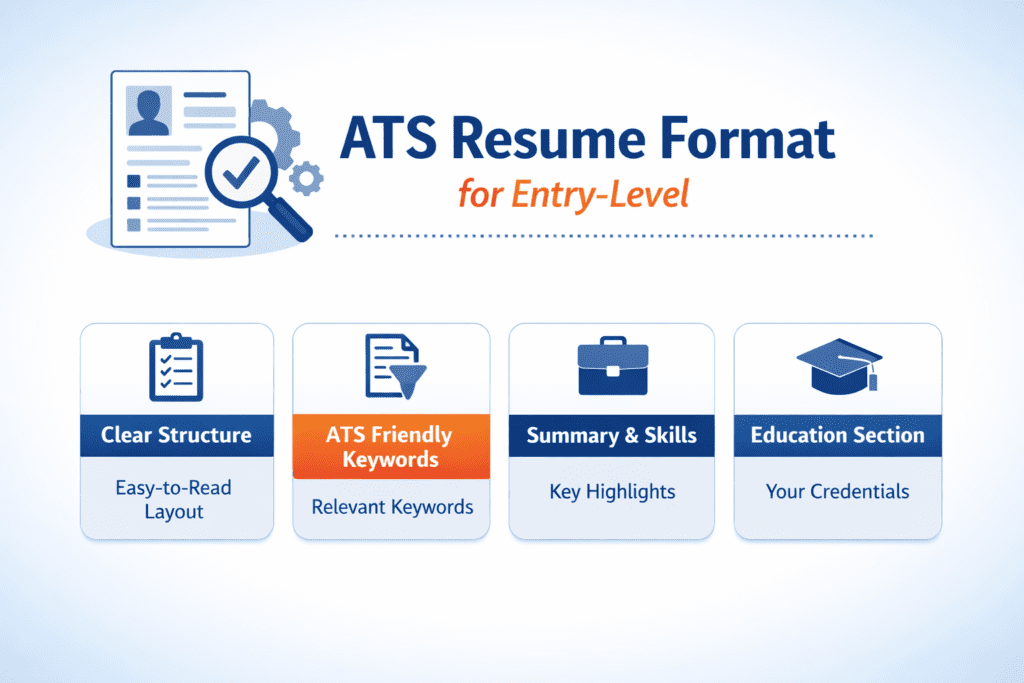
Today most companies use Applicant Tracking Systems (ATS) to automatically screen resumes before they reach a recruiter. These systems scan your resume, extract key information such as skills, experience, and education, and compare it with the job description. If your resume is not structured correctly or lacks important keywords, the system may reject it before a human ever reviews it. That is why creating an ATS friendly resume is essential for modern job applications.
Today, creating an ATS friendly resume is essential because most employers rely on automated screening systems to shortlist candidates before a recruiter reviews applications.
Because of this automated screening process, many qualified candidates never reach the interview stage. Studies estimate that nearly 70 to 75 percent of resumes are rejected by ATS software before a human recruiter even sees them.
If your resume formatting is incorrect or if important keywords are missing, the system may fail to recognize your qualifications. This guide explains how ATS software works, why resumes get rejected, and how you can ensure that your resume is ATS-friendly so that it passes the first stage of screening.
If you want to test your resume instantly, you can also use one of the tools listed in our guide on free ATS resume checker tools.
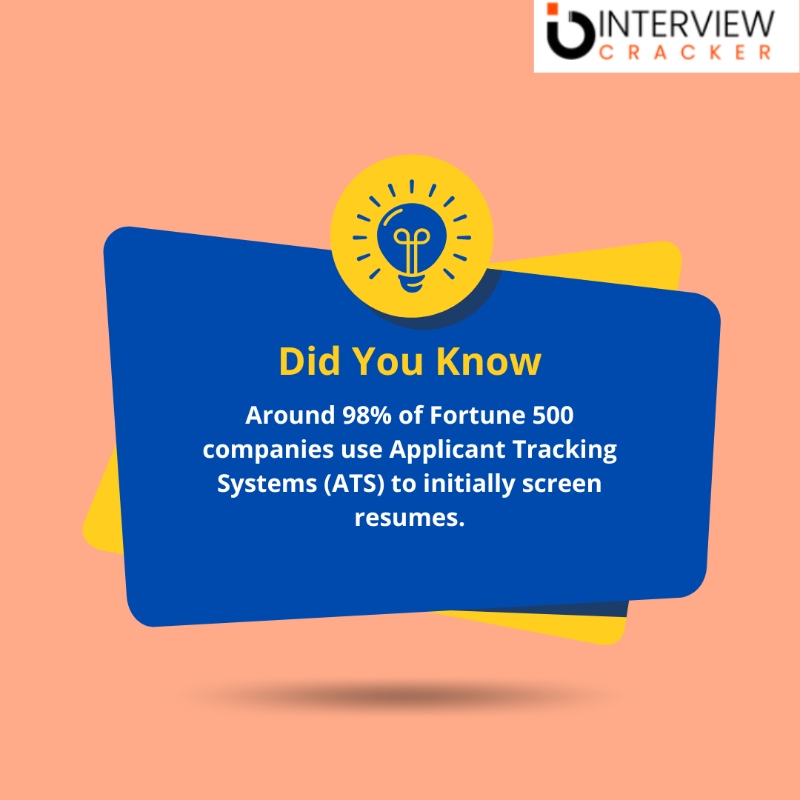
What Is an ATS Friendly Resume
An ATS friendly resume is a resume designed so that applicant tracking systems can easily read, parse, and evaluate the information it contains. These systems scan resumes for keywords, job titles, skills, and qualifications before ranking candidates for recruiters.
What is an ATS Resume Checker
An Applicant Tracking System is a software application used by organizations to manage their recruitment and hiring processes. An ATS resume in HR helps streamline the entire recruitment workflow, from posting job openings to selecting candidates and ultimately making a hiring decision. ATS works in favor of HR to optimize their hiring work.
If you are applying for jobs s in the United States, ensure your resume is optimized for Applicant Tracking Systems. Many employers use automated screening tools to shortlist candidates, and an ATS compatible resume improves your chances of getting noticed
How ATS Resume Screening Actually Works
Applicant Tracking Systems are designed to simplify the hiring process for recruiters. When you submit a resume through an online job application portal, the ATS automatically scans the document and converts it into structured data that can be searched and analyzed.
The system looks for specific signals such as job titles, technical skills, education, certifications, and relevant work experience. It then compares this information with the requirements mentioned in the job description.
Most ATS platforms use a keyword matching system to calculate how closely your resume aligns with the job posting. Candidates whose resumes contain more relevant keywords and experience are ranked higher in the system. Recruiters typically review only the top ranked resumes.
This is why understanding ATS optimization is critical for job seekers. Even highly qualified candidates can be filtered out if their resume does not match the structure and keywords that the system expects.
Recruitment teams rely on specialized software to manage candidate applications and automate screening. If you want to understand which platforms recruiters commonly use, you can explore the best ATS platforms used by staffing agencies and recruitment firms.

How to Make Your Resume ATS Friendly
Creating an ATS friendly resume requires a combination of proper formatting, relevant keywords, clear structure, and well-defined resume sections. Applicant Tracking Systems are designed to scan resumes quickly and extract information such as skills, work experience, and education. If the system cannot easily read or understand your resume, it may reject the application before a recruiter ever sees it. Following the principles below can significantly improve your chances of passing ATS screening.
Use Simple and Clean Formatting
Formatting plays a critical role in whether an ATS can correctly read your resume. Complex layouts with columns, graphics, tables, icons, or images often confuse automated resume scanners. Instead, use a simple single-column layout with consistent spacing and standard fonts such as Arial, Calibri, or Times New Roman. Avoid adding information inside headers or footers because some ATS systems may ignore those sections when parsing the document.
Use Relevant Keywords From the Job Description
Most ATS platforms rank candidates based on how closely their resume matches the job description. This means including the right keywords is essential. Carefully review the job posting and identify frequently mentioned skills, tools, certifications, and job titles. Including these keywords naturally within your experience and skills sections helps the system recognize that your profile aligns with the employer’s requirements. If you want to see examples of commonly used recruiter search terms, review our guide on resume keywords that beat ATS systems across industries.
Follow a Clear Resume Structure
ATS software works best when resumes follow a predictable structure. A clear chronological format allows the system to identify your work history and skills more accurately. Start with your contact information, followed by a short professional summary, key skills, work experience, education, and certifications. Keeping this order helps ensure that the ATS reads your information correctly and ranks your resume appropriately.
Use Standard Resume Section Headings
Applicant Tracking Systems are trained to recognize common section headings. Using standard titles such as “Work Experience,” “Education,” “Skills,” and “Certifications” helps the software categorize your information properly. Avoid creative section names such as “My Career Journey” or “What I Bring to the Table,” because ATS systems may not recognize them as professional experience or skills.
Tailor Your Resume for Every Job Application
Submitting the same resume for multiple jobs can reduce your ATS match score. Instead, adjust your resume slightly for each role by emphasizing the skills and experience most relevant to that job. This does not require rewriting your entire resume, but aligning your skills and terminology with the job description can improve your chances of passing automated screening. If you want a step-by-step strategy for optimizing your resume for modern hiring systems, read our guide on how to beat ATS resume filters.
By focusing on clear formatting, relevant keywords, structured content, and standard resume sections, you can create a resume that both ATS software and recruiters can easily understand. An ATS friendly resume dramatically increases the chances that your application will reach the hiring manager and lead to an interview opportunity.
How Resume Keywords Help Your Resume Pass ATS Screening
Keywords are one of the most important factors that determine whether your resume passes an Applicant Tracking System. When employers create a job listing, they usually include specific skills, qualifications, tools, and responsibilities required for the role. ATS software scans resumes and compares them with the job description to determine how closely a candidate’s profile matches those requirements.
These keywords can include technical skills, certifications, industry terminology, job titles, and software tools. For example, a marketing job might include keywords such as “SEO,” “content marketing,” or “Google Analytics,” while a software engineering role may include keywords such as “Python,” “API development,” or “machine learning.”
If your resume does not contain enough relevant keywords, the ATS may rank it lower than other candidates, even if you have the necessary skills. This is why it is important to carefully analyze job descriptions and include the most relevant terms naturally within your resume.
The best approach is to include keywords in several sections of your resume, including your professional summary, skills section, and work experience descriptions. Instead of listing skills without context, try to incorporate them into measurable achievements. For example, instead of simply listing “data analysis,” you could write “analyzed sales data using Excel and SQL to identify revenue trends.”
Another useful strategy is to include both the full form and abbreviation of important terms. For example, writing “Search Engine Optimization (SEO)” ensures that your resume appears in searches for both versions of the keyword.
Understanding which keywords recruiters search for can significantly improve your chances of getting shortlisted. To see examples of commonly used recruiter keywords across different industries, you can review our guide on resume keywords that beat ATS systems across industries.
Using the right keywords does not mean stuffing your resume with repeated terms. Instead, the goal is to ensure that your resume clearly reflects the skills, tools, and experience that employers are actively searching for when reviewing candidates through ATS software.
Why Many Qualified Candidates Get Rejected by ATS
One of the biggest frustrations job seekers face is being rejected for positions even when they meet the qualifications. In many cases, the problem is not the candidate’s skills but the way their resume is structured.
Applicant Tracking Systems often reject resumes for reasons such as incorrect formatting, missing keywords, non-standard section headings, or unsupported file types. If the system cannot properly read your resume, it cannot accurately evaluate your qualifications.
Another common reason for rejection is keyword mismatch. For example, if a job description mentions “data analysis” but your resume only mentions “data reporting,” the ATS may not recognize the connection between the two skills.
To understand these issues in detail, you can read our guide on why ATS rejects your resume even if you are qualified.
Many applicants are surprised to learn that even strong resumes can fail automated screening. If you want to understand the most common reasons behind these rejections, read our detailed guide on why ATS rejects your resume even if you are qualified.
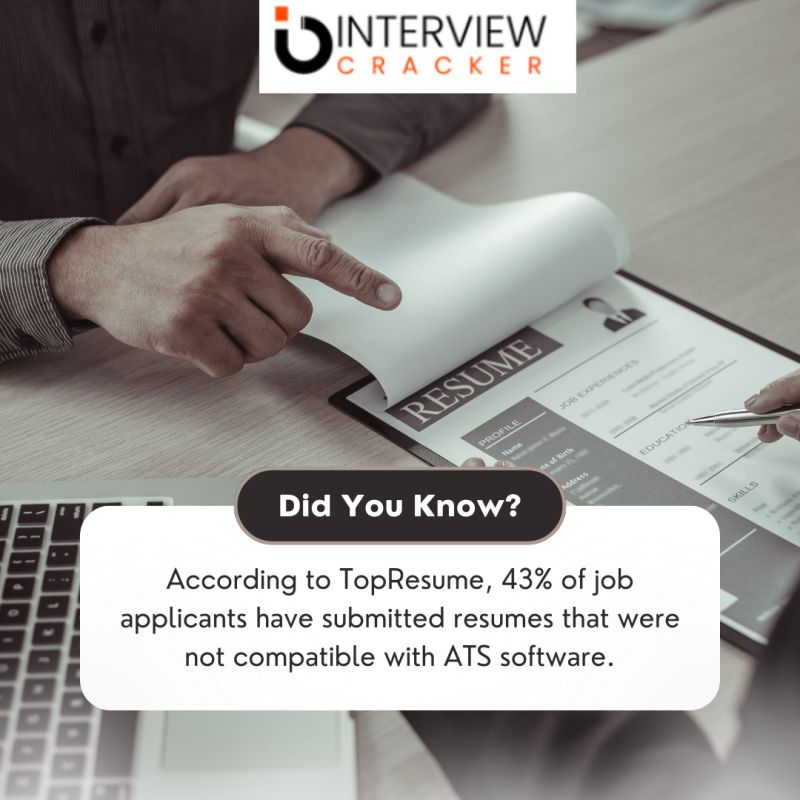
How Does an Application Tracking System Function?
An applicant tracking system or ATS resume checker is programmed to read a pre-formatted résumé and extract data such as the applicant’s education, employment history, and relevant abilities. If it finds that the applicant’s skills and experience are a suitable fit for the job opening, it will transmit the CV to the prospective employer.
When determining somebody to interview for a position, “the reality is, relatively few resumes get reviewed top to bottom by a person.”
By using an applicant tracking system, resume searches may be simplified or fully automated. A large number of job seekers is only one factor contributing to the difficulty of finding employment. With an average of over 250 resumes received for each online job posting, an ATS system may be a huge time-saver for the recruiting team. Resumes that don’t fit the criteria are automatically thrown out and never viewed by a person.
Create ATS friendly resume for freshers – Completely Free!
How Resume Keywords Help You Pass ATS Filters
Keywords are one of the most important elements of an ATS-friendly resume. These keywords usually come directly from the job description and represent the skills, tools, qualifications, and experience that the employer is looking for.
For example, a marketing role may include keywords such as “SEO,” “content strategy,” or “Google Analytics.” A software engineering role might include keywords such as “Python,” “machine learning,” or “API development.”
Including these keywords in your resume helps the ATS recognize that your profile matches the job requirements. However, keywords should always be used naturally within the context of your experience and achievements.
If you want to see examples of the most effective keywords used by recruiters, review our list of resume keywords that beat ATS systems. Recruiters often search resumes using specific skill-based keywords that match the job description. Understanding which keywords matter most can significantly improve your chances of passing ATS screening. You can explore a complete list of resume keywords that beat ATS systems across different industries.

When Do You Require an ATS Friendly Resume Checker Approved CV?
Most big and medium-sized businesses nowadays employ applicant tracking systems to streamline the hiring process. Most large companies (especially those in the Fortune 500) now utilize applicant tracking systems (ATS-friendly resume checker) to sift through resumes and other application materials. Several of the largest corporations, like Google and Apple, have developed their application tracking systems.
In a nutshell, there is no way to avoid it. Making sure your CV is ATS-friendly is a must. Even if you’re the most qualified applicant, you probably won’t receive an interview if an applicant tracking system (ATS Sanner) can’t understand your CV.

What Should You Do to Ensure That Your Resume is ATS-Friendly?
First, avoid elaborate fonts and spacing (even tables can hurt your resume)
In an attempt to stand out from the crowd, many job seekers may get creative regarding their resume presentation. Some people go so far as to pay to have their resumes professionally designed. An applicant tracking system will, alas, eliminate all of this, and probably before a human recruiter ever sees it. However, if you’re using an older, less sophisticated applicant tracking system, elaborate formatting may lead to misinterpretation of your application.
Headers and footers are a potential source of misplaced or incorrect text.
Text may get jumbled in complex tables (such as those with merged cells).
Words in the text that are obscured by shading or color may as well not exist.
Free ATS compatibility tool or software is unable to decipher company logos or other visuals.
Use of non-standard characters in bullet points might confound automated text readers.
A computerized testing system (ATS) may bypass text fields.
Use a basic format for dates.
Dates are often searched for in applicant tracking systems using the MM/YYYY format, thus a date like 02/2021 would be searched for as February 2021. Month and year should always be included since giving only the year might lead to misunderstandings. Many ATS resume checkers automatically place any job history with merely a year on January 1st.
Also, make sure your resume contains the keywords that will be used to search for candidates.
A recruiter or hiring manager may do a keyword search on a submitted resume after the first screening process has been completed. That way, qualified individuals may be found more easily. Having the proper keywords isn’t as easy as just duplicating bits of their job description anymore. What you can do is as follows:
Compare job postings for comparable positions to identify areas of overlap in terms of the education and experience listed as prerequisites.
- It is recommended that you focus on including keywords that describe commonly occurring requirements.
- If you’re searching for a career as a content writer and you see that SEO is a common need, you should highlight your experience with SEO (if you have any) on your resume.
- The connection between long-form words and their abbreviations or acronyms is lost on many popular ATSs. This might cause issues if the recruiter or the free ATS resume checker is only looking for one particular spelling of the term. Search engine optimization (SEO) and search engine optimization (Long Form) should both be on a resume for the aforementioned scenario.
Don’t send resumes to places where you know you wouldn’t be considered for the position.
Tools like Indeed’s one-click application make it possible to apply to dozens of jobs in a short amount of time. However, an applicant tracking system (ATS) will act as a roadblock and reject your application based on your failure to fulfill specified keywords/criteria if you are applying to positions outside of your credentials to try your luck or acquire a job quicker.
The point of this guidance isn’t to stress the need to have every possible skill set and credential before applying for a job. Consider applying for your dream job even if you just have two years of experience instead of the preferred five. Many businesses prefer to conduct interviews with a large number of applicants because they believe this increases the likelihood of finding someone with the necessary skills and experience.
Take care to reword your terminology.
All that’s at stake here is the accuracy of the information we have on you. You seem to really desire this job, yet there may be something you’re overlooking. For instance, you may use your formal training as real-world practice. While it won’t ensure success on the ATS, it greatly improves your odds.
How can I tell whether my resume has been formatted in a way that will be readable by applicant tracking systems?
Check how well your resume does compare to this ATS-optimized sample. Keep in mind these factors:
- Standardized, backward-looking chronological order
- Search terms strategically placed throughout the resume
- Easy to read, with straightforward headings
- We use full words for degrees and never use acronyms.
- All work history is relevant to the same professional goal.
Technical candidates often face rejection due to formatting issues — especially in software roles. Here’s the ideal ATS resume format for US software engineers.
Best Resume Format for an ATS Friendly Resume
The format of your resume plays a major role in how well it performs in ATS systems. While creative resume designs may look visually appealing, they can create problems for automated resume scanners.
The safest approach is to use a simple, clean structure that ATS software can easily parse. A standard ATS-friendly resume typically includes sections such as contact information, professional summary, skills, work experience, education, and certifications.
Single column layouts work best because they ensure that the ATS reads the content in the correct order. Using standard headings such as “Work Experience” or “Education” also helps the system understand the structure of your resume.
Technical roles often require more careful formatting because ATS systems rely heavily on skill matching. If you are applying for technical jobs, you can review the ideal ATS resume format for software engineers.
Entry-level candidates often need a slightly different resume structure that highlights skills, academic projects, and internships instead of long work history. You can review the recommended ATS resume format for freshers to see how entry-level resumes should be structured for applicant tracking systems.
Tips to Improve ATS Resume Score
Improving your ATS resume score does not require complicated tricks or expensive resume services. In most cases, small adjustments to formatting, keywords, and structure can significantly improve how your resume performs when scanned by applicant tracking systems. Below are some practical strategies that can help increase your chances of passing ATS screening.
Tailor Your Resume for Each Job Application
One of the most effective ways to improve your ATS score is to customize your resume for every job you apply to. Applicant Tracking Systems compare your resume with the job description and look for matching skills and experience. Carefully review the job posting and include relevant keywords that describe your qualifications. Even small adjustments such as aligning your job titles, tools, and skills with the wording used in the job description can improve your ranking.
Use Standard Resume Section Headings
ATS software expects to find certain sections in a resume. Using standard headings such as “Work Experience,” “Education,” “Skills,” and “Certifications” makes it easier for the system to understand the structure of your document. Creative headings like “My Professional Journey” or “What I Bring to the Table” may confuse automated resume scanners and reduce your ATS compatibility.
Focus on Relevant Skills and Achievements
Instead of listing every responsibility you have had in previous roles, focus on achievements that demonstrate measurable results. Quantifying your accomplishments helps both ATS systems and recruiters understand your impact. For example, instead of writing “managed marketing campaigns,” a stronger statement would be “managed digital marketing campaigns that increased website traffic by 40 percent.”
Include Both Acronyms and Full Skill Names
Many ATS systems search for exact keyword matches. Some recruiters search using abbreviations while others use full terms. To ensure your resume appears in both searches, include both versions when appropriate. For example, write “Search Engine Optimization (SEO)” or “Customer Relationship Management (CRM)” at least once in your resume.
Use a Simple and ATS-Friendly Layout
Complex formatting can make it difficult for ATS software to read your resume correctly. Avoid using tables, graphics, columns, text boxes, or images in your resume. Instead, use a clean single-column format with consistent spacing and standard fonts such as Arial, Calibri, or Times New Roman. This ensures that the ATS can easily extract your information.
Match Your Skills With the Right Industry Keywords
Different industries use different keywords when describing the same roles. Research job postings for similar positions to identify the most common skills and terminology used by employers. Adding these keywords naturally within your experience and skills sections can significantly improve your ATS match score. If you want to explore commonly used keywords across industries, you can review our guide on resume keywords that beat ATS systems.
Highlight Relevant Experience First
Applicant Tracking Systems often prioritize recent and relevant experience when ranking resumes. Place your most relevant experience near the top of your work history and clearly describe the tools, technologies, and responsibilities involved in the role. This helps both ATS software and recruiters quickly identify your suitability for the position.
Test Your Resume Using an ATS Resume Scanner
Before submitting your resume to employers, it is a good idea to test it using an ATS resume checker. These tools simulate how applicant tracking systems scan and evaluate resumes. They can identify formatting issues, missing keywords, and structural problems that may reduce your chances of getting shortlisted.
Improving your ATS score is ultimately about clarity and relevance. By aligning your resume with the expectations of both ATS software and recruiters, you can significantly increase the chances that your resume will be reviewed by a hiring manager.
If you want a deeper step-by-step strategy for optimizing your resume for automated screening systems, review our guide on how to beat ATS resume filters and increase your interview chances.
What Should I Do to Guarantee That My CV will be Accepted By Applicant Tracking Systems?
Following these tips will help guarantee that all ATS or applicant tracking systems properly parse your resume.
Title each part using the appropriate convention:
Use standard section names for your job experience and education areas. Put “Professional Expertise” rather than “My career in a summary” if you want to seem more professional.
Avoid using non-standard fonts
they might cause problems with optical character recognition (OCR) software. Use a common font (Garamond, Arial, Calibri, etc.) while writing.
Modern ATS is quicker
at scanning a multi-column layout, but there are still those who have trouble reading a resume with more than one column.
No trestles
It is not common for tables to be parsed properly. To avoid this, try formatting your resume using tabs and right/left aligns.
In other terms, no scanned images or diagrams: The content on your resume ought to be legible and highlightable. Don’t include charts, diagrams, or any kind of visuals in your CV.
The Use of ATS Continues to Grow – The Perfect Job Is Right Around the Corner, Don’t Let It Slip Away!
Applicants should expect a more streamlined application and interview process thanks to the time and energy saved by recruiters using applicant tracking tools. If you want to increase your chances of being called for an interview, you should make sure that an applicant tracking system (ATS) can understand the information on your CV. By following the aforementioned advice, you can be sure that you’re giving yourself the greatest possible opportunity to make it through the initial step of the recruiting process.
Entry-level candidates should structure their resumes slightly differently to highlight projects, skills, and internships. You can review the recommended ATS resume format for freshers for examples of entry-level resume structures.
How to Check If Your Resume Is ATS Friendly
One of the easiest ways to evaluate your resume is by testing it with an ATS resume checker tool. These tools simulate how applicant tracking systems read your resume and provide feedback on issues such as keyword matching, formatting problems, and missing sections.
Running your resume through an ATS checker can help identify weaknesses before you submit your application. Many tools provide an estimated ATS compatibility score along with suggestions for improving your resume.
You can explore several options in our list of the best free ATS resume checker tools used by job seekers applying for US and UK jobs.
ATS Friendly Resume vs Non-ATS Resume
| Resume Feature | ATS Friendly Resume | Not ATS Friendly Resume |
|---|---|---|
| Resume Layout | Simple single-column layout | Multi-column or infographic layout |
| Fonts | Standard fonts like Arial, Calibri, Times New Roman | Decorative or unusual fonts |
| Section Headings | Standard headings like Work Experience, Skills, Education | Creative headings like My Journey or Career Story |
| Keywords | Includes job-specific keywords from the job description | Generic language with few relevant keywords |
| File Format | Word (.docx) or simple PDF | Image files or scanned resumes |
| Graphics & Icons | No graphics or icons | Logos, charts, icons, and images |
| ATS Compatibility | Easily parsed by ATS systems | Information may be skipped or misread |
Common Mistakes That Make Your Resume Not ATS Friendly
Many resumes fail ATS screening because of avoidable mistakes. Some of the most common issues include using complex resume templates, adding graphics or charts, and placing important information inside headers or footers that ATS systems may ignore.
Another mistake is applying to jobs using the same generic resume without tailoring it for the specific role. ATS systems rely heavily on keyword matching, so adjusting your resume based on the job description can significantly improve your chances of being shortlisted.
Candidates also sometimes attempt to manipulate ATS systems by stuffing large numbers of keywords into their resume. Modern ATS platforms can detect this behavior, and resumes that appear unnatural may still be rejected by recruiters.
Resume formatting expectations can also vary slightly depending on the country and hiring practices. If you are applying to roles in the UK, you can review our guide on creating an ATS-friendly CV for UK jobs.
Final Thoughts to check If Your Resume Is ATS Friendly
Applicant Tracking Systems have become a standard part of modern hiring. While these systems help recruiters manage large volumes of applications, they also create challenges for job seekers who are unfamiliar with how automated resume screening works.
The good news is that optimizing your resume for ATS is not complicated once you understand the basic principles. Using a clean format, including relevant keywords, and highlighting measurable achievements can dramatically increase your chances of passing the initial screening stage.
By following the strategies explained in this guide and testing your resume using ATS resume checker tools, you can improve your chances of getting your resume in front of a recruiter and securing more interviews.
FAQs About ATS Friendly Resumes
What is an ATS friendly resume?
An ATS friendly resume is a resume formatted so that applicant tracking systems can easily read and analyze the content. These systems scan resumes for keywords, job titles, skills, and qualifications to determine how closely a candidate matches the job description.
How can I check if my resume is ATS friendly?
You can test your resume using an ATS resume checker tool that simulates how hiring systems scan resumes. These tools analyze formatting, keywords, and structure to estimate how well your resume will perform in ATS screening.
What is a good ATS resume score?
Most ATS resume checker tools provide a compatibility score based on how closely your resume matches the job description. A score above 70 percent is generally considered strong, but the exact threshold can vary depending on the employer and the ATS system they use.
Do all companies use ATS to screen resumes?
Most medium and large companies use ATS software to manage job applications. Many Fortune 500 companies rely heavily on these systems to filter hundreds of resumes before recruiters review candidates manually.
What file format is best for ATS resumes?
The safest format for ATS resumes is a Microsoft Word document (.docx). Many ATS systems also support PDF files, but older systems sometimes struggle with complex PDF formatting.
Why do qualified candidates fail ATS screening?
Candidates often fail ATS screening because their resumes do not contain enough relevant keywords or use formatting that the system cannot properly read. Missing skills, non-standard headings, or graphic-heavy resume templates can also cause rejection.
How do recruiters search resumes inside ATS systems?
Recruiters often search within ATS databases using keywords such as job titles, technical skills, certifications, and tools. Resumes that contain those keywords in relevant sections are more likely to appear in search results.
Recent Posts

Himani Joshi
Himani Joshi is a Senior Business Manager at Interview Cracker, working at the intersection of careers, hiring, and skill development. She writes about interview strategy, job market trends, and professional growth, helping readers turn opportunities into outcomes. She also writes for HR and hiring professionals, offering insights on recruitment, talent strategy, and evolving workplace dynamics.